A common assumption is that software is a one-time purchase: build it, launch it, done. It isn't. A website or app is more like a vehicle than a painting; it keeps running only if someone looks after it. Here's what "maintenance" actually means, and why skipping it usually costs more than it saves.
Why software needs maintenance at all
Your site doesn't sit still even when you don't touch it. The world around it keeps moving: browsers update, security threats evolve, plugins and dependencies release patches, and the platforms you rely on change. Left alone, a perfectly good site slowly drifts toward broken, slower, less secure, and eventually failing in ways that are expensive to fix in a hurry.
What maintenance actually covers
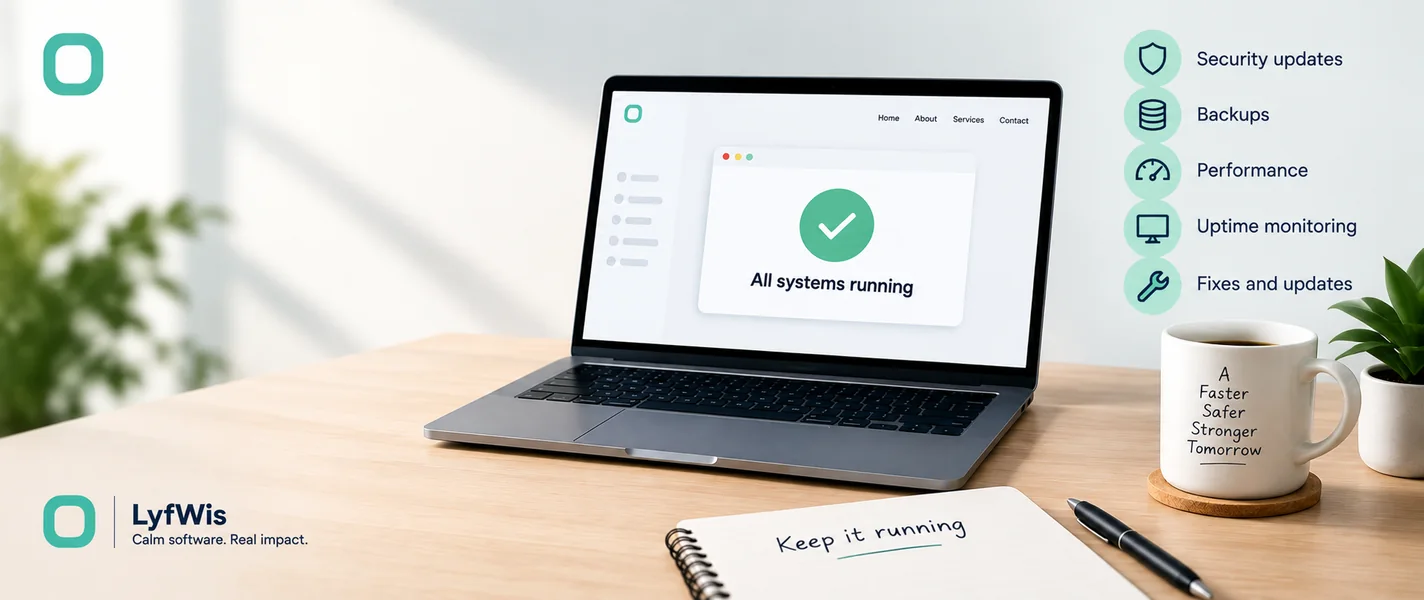
- Security updates. Patching the software your site is built on before known holes get exploited. This is the non-negotiable one.
- Backups. Regular, tested copies so a mistake or attack doesn't mean starting over.
- Performance. Keeping pages fast as content and traffic grow.
- Uptime monitoring. Knowing the site is down before your customers tell you.
- Fixes and small changes. The inevitable "can we just update this" requests.
- Compatibility. Making sure new browsers and devices don't break things.
What happens when you skip it
Neglect rarely shows up immediately, which is exactly why it's dangerous. Then one day a security hole is exploited, a payment integration silently stops working, or the site goes down during your busiest week, and emergency fixes cost far more than steady upkeep would have. The cheapest moment to prevent a problem is always before it happens.
Maintenance isn't a tax on your launch. It's the difference between an asset that keeps earning and a liability that quietly decays.
How much does it cost?
It depends on how the site is built and how much it does; a simple marketing site needs far less than an app handling payments and accounts. We keep indicative monthly ranges alongside our build pricing on the pricing page, and note there that third-party costs (hosting, premium plugins, gateway fees) are billed separately. The honest summary: budget something for upkeep from day one, sized to what your site actually does.
The DIY question
Can you maintain it yourself? For a simple site, some of it, running updates, checking backups. But the security-sensitive parts reward someone who does this regularly and knows what to watch for. Many businesses handle the content themselves and leave the technical upkeep to whoever built it. Whatever you choose, the dangerous option is the unspoken one where nobody is responsible.
How we approach maintenance at LyfWis
We build for maintainability first, clean, documented work that's cheaper to keep running, and we strongly recommend ongoing support after launch for security, performance, and continuity. It's also worth deciding upfront who owns the code and accounts, which we cover in do you own your code? If you've inherited a site and aren't sure what shape it's in, we're happy to take a look.
Frequently asked
Is maintenance really necessary for a small site?
Even a small site needs security patches and backups. The amount of work is smaller, but "none" isn't a safe setting; an unmaintained site is the most common way small businesses get hacked.
What's the difference between maintenance and hosting?
Hosting is where your site lives, the server. Maintenance is the ongoing care that keeps the software on it secure and working. You need both, and they're usually billed separately.
What if I just don't update anything?
It'll keep working for a while, then degrade, slower, less secure, and increasingly likely to break. The failure tends to arrive at the worst possible time, which is what makes steady upkeep the cheaper path.